Photo · Voice · Performance

Kling Avatar 2 Talking Video Generator

Pair a portrait with voice audio, then direct the expression and gestures.

Create your video

Portrait image
Voice audio

Audio up to 300 seconds.

0 characters
StandardFrom 30 credits

Add audio for the estimate. Minimum 5 seconds × 6 credits/s.

Sign in to submit your prepared inputs.

Files upload only when you generate. Reloading clears selected inputs.

What Is Kling Avatar 2?

Kling Avatar 2 animates a portrait using supplied speech and timing. On Kling40AI, choose Standard or Pro, add optional performance direction, and check the duration-based quote.

The workflow uses existing audio, without synthesizing a voice. Review mouth movement, expression, and pauses throughout the video.

Kling Avatar 2 Examples

Compare two Kling Avatar 2 results made from the same portrait, source audio, and performance direction. These public previews are silent: they show visual movement without demonstrating voice quality or verifying lip-sync accuracy.

Example 01

Calm presenter · Standard

The Standard result uses the supplied portrait and restrained performance direction. Compare facial movement and posture against the original image. The public preview omits the original audio.
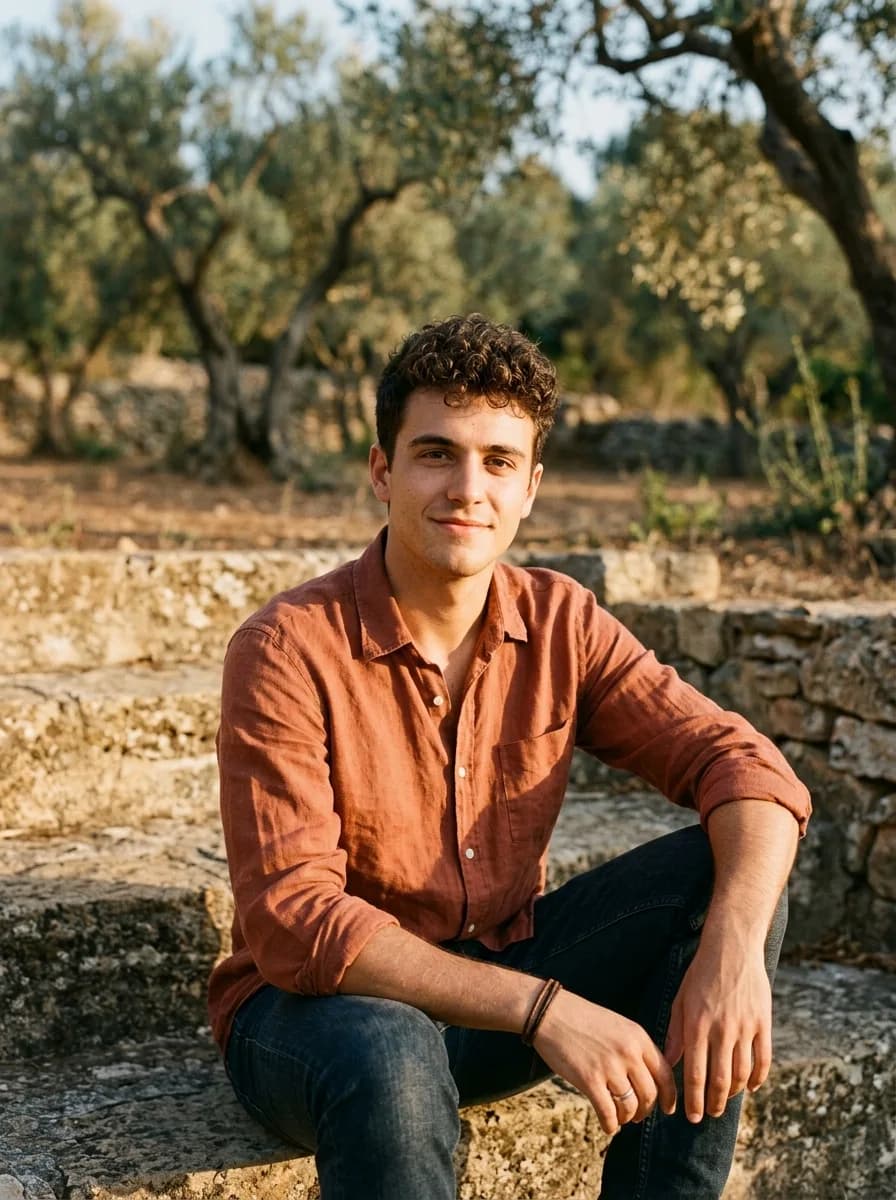
Portrait input
Reference input: a man in a terracotta shirt outdoors; not a Kling Avatar 2 output. Input image generated with Nano Banana 2; not a Kling output.
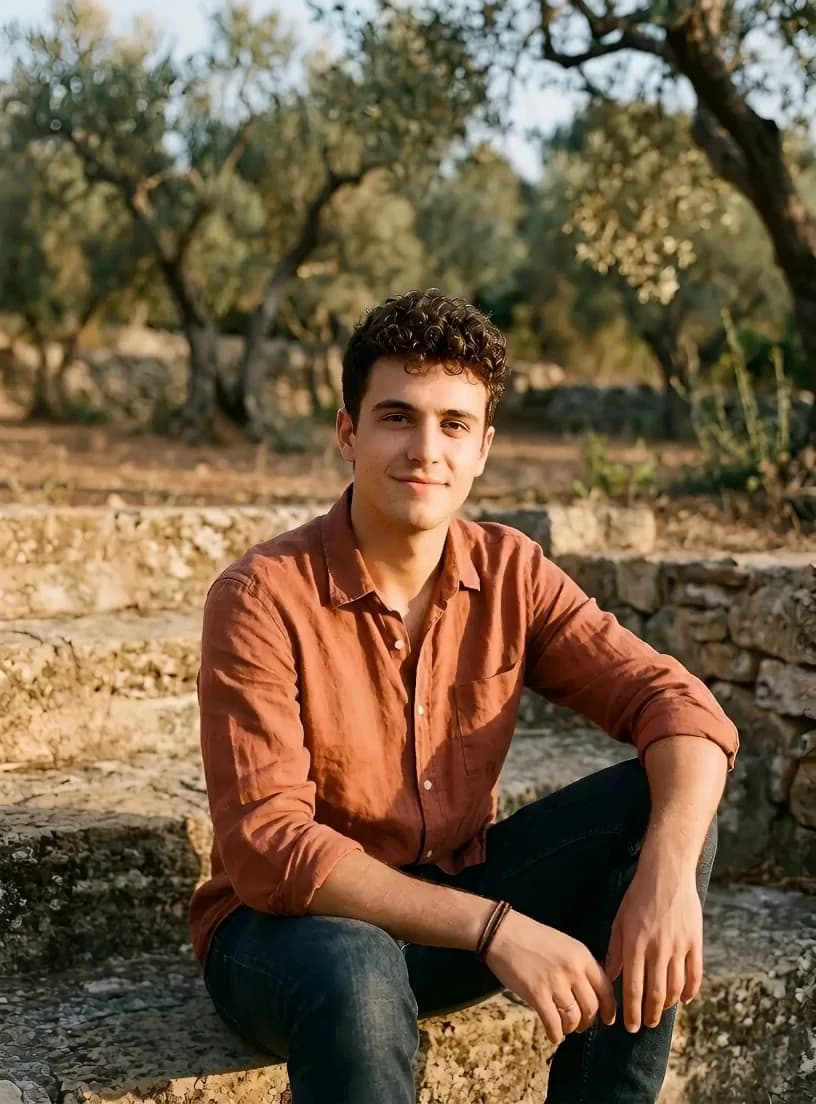
Input image generated with Nano Banana 2; not a Kling output.

Result video

Standard · 4.27s · Silent preview — original audio omitted.

Subtle expression changes and restrained gestures animate the supplied portrait.

Prompt used
A calm presenter speaks to camera with a relaxed expression and restrained natural gestures. Keep the camera steady.
Example 02

Calm presenter · Pro

The Pro result uses the same portrait, source recording, and prompt. Watch the face and small gestures through the full Kling Avatar 2 preview rather than judging the still frame alone.

Portrait input
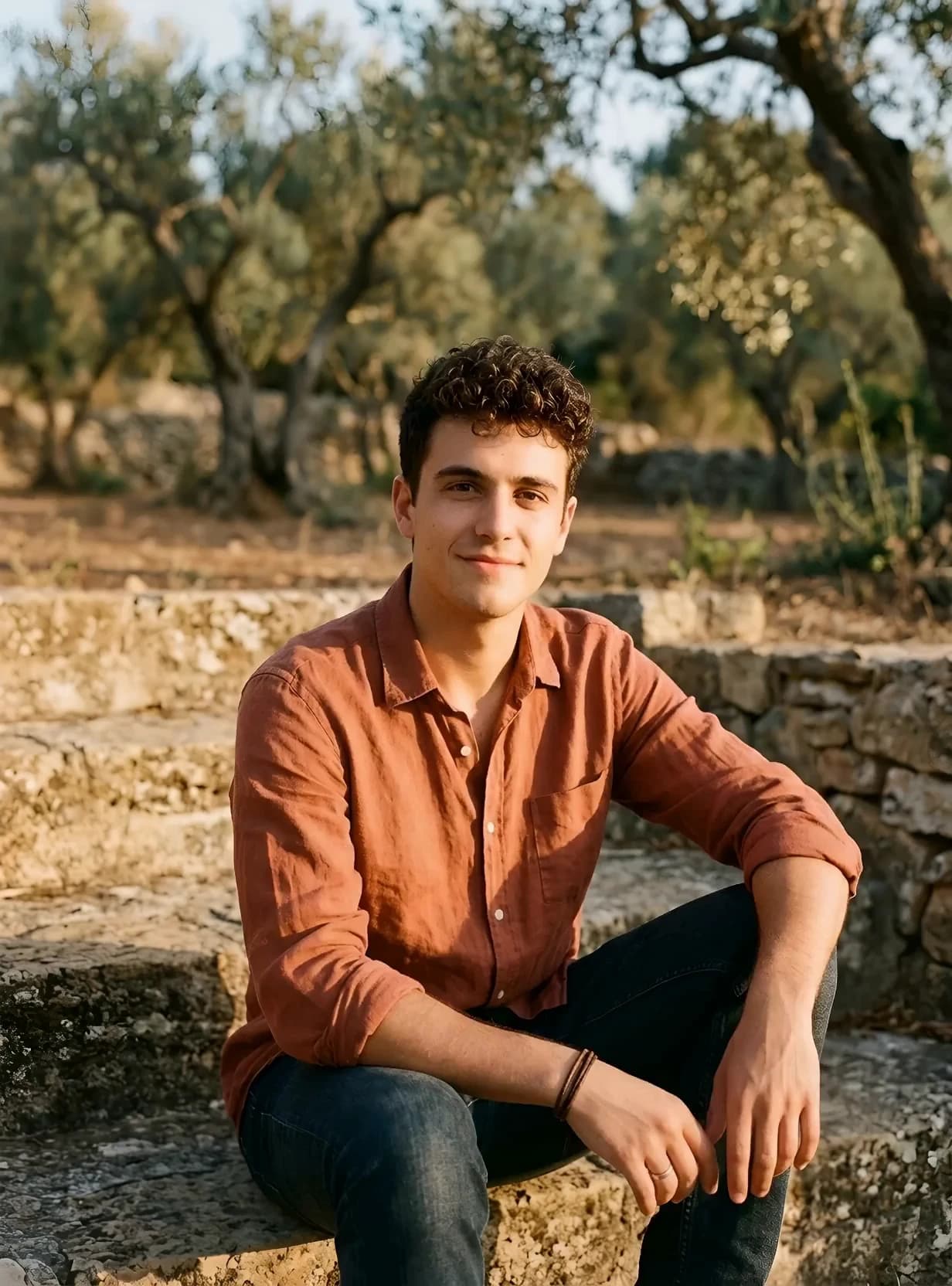
Reference input: a man in a terracotta shirt outdoors; not a Kling Avatar 2 output. Input image generated with Nano Banana 2; not a Kling output.

Input image generated with Nano Banana 2; not a Kling output.

Result video

Pro · 4.27s · Silent preview — original audio omitted.

Facial movement and small gestures keep the presenter recognizable against the original setting.

Prompt used
A calm presenter speaks to camera with a relaxed expression and restrained natural gestures. Keep the camera steady.

Kling Avatar 2 Features

01

Optional performance direction

Describe expression and movement; leave the prompt empty if unnecessary.

02

Standard and Pro

Compare each tier’s rate and actual results; price alone does not establish quality.

03

Audio-based duration

The form reads the recording’s actual length before calculating credits.

04

Task and result review

Follow task status, inspect errors, preview or download results, and close previews without deleting tasks.

Kling Avatar 2 Parameters and Limits

Preview both inputs; keep originals for comparison.

Inputs, parameters, and limits
ParameterPurpose and limits
Portrait imageRequired. The image supplies the person’s appearance. Choose a clear face and intentional framing.
Voice audioRequired. Use a readable recording longer than zero and no longer than 300 seconds.
Performance promptOptional. Describe delivery, expression, and movement; it does not replace your spoken recording.
VersionStandard or Pro. The selected tier determines the per-second credit rate.
DurationRead from the audio. The estimate rounds up to whole seconds and applies a 5-second minimum charge.

How to Use Kling Avatar 2

  1. 01

    Prepare the inputs

    Select a portrait and audio; either file can be replaced independently.

  2. 02

    Choose a tier

    Choose Standard or Pro; check input duration, billable seconds, and credits.

  3. 03

    Direct and generate

    Add optional direction, sign in, and generate. Files upload on submission.

  4. 04

    Check the result

    Review the Kling Avatar 2 result for speech alignment and movement; download or close the preview.

Kling Avatar 2 Prompt Tips

Describe delivery, expression, and camera direction. Copy or edit a suggestion; changing text never submits a task.

Suggested prompt

Friendly explainer

A friendly presenter addresses the viewer with a relaxed expression, small natural head movements, and restrained gestures. Keep the camera still and the background quiet.

Use one delivery style. The recording contains the spoken words; this suggestion describes the performance.

Suggested prompt

Calm studio host

A calm host speaks directly to the viewer in a simple studio setting. Maintain a composed posture, gentle eye contact, and subtle expression changes throughout the delivery.

Suggested direction, not a demonstrated result. Avoid instructions that contradict the recording’s tone.

Kling Avatar 2 Use Cases

Use this avatar tool for lessons, product explanations, or host introductions. Match the voice to the person; review pauses and gestures throughout longer recordings.

For text-led scenes or multiple visual references, compare the Kling 4.0 workspace. Check rights, identity, and intended context.

Kling Avatar 2 Pricing

This avatar tool charges by tier and audio duration, rounded up to whole seconds with a 5-second minimum. Check the quote and balance.

Compare credit packs and read the site terms. A failed-task message is not evidence of a refund; check the actual balance change.

Customer credit rates · 5-second minimum
VersionRate and examples
Standard6 credits/s · minimum 30 credits · 10 seconds 60 credits
Pro12 credits/s · minimum 60 credits · 10 seconds 120 credits

Kling Avatar 2 FAQ

What inputs are required?

Select one portrait image and one driving audio recording. Performance instructions are optional.

How long can the audio be?

This connection accepts readable audio longer than zero and up to 300 seconds.

What changes between Standard and Pro?

They select different processing tiers. Standard costs 6 credits per second; Pro costs 12. Compare actual results before choosing.

What does a short recording cost?

The minimum charge is 5 seconds: 30 credits for Standard or 60 for Pro, even when the recording is shorter.

Can I leave the prompt empty?

Yes. The image and audio are required; the performance prompt is optional and does not provide the spoken dialogue.

Where do results and failures appear?

The output preview follows the current account’s task. Finished videos can be opened or downloaded; failed tasks show their returned message.