
Kling 4.0 Flash
Plan a short video from a written scene, a starting image, or visual references. Explore the model’s 720p format, practical prompt ideas, and the settings that shape a single shot.
0 / 8000 characters
720p · 1 video20 credits
ExampleKling 4.0 Flash
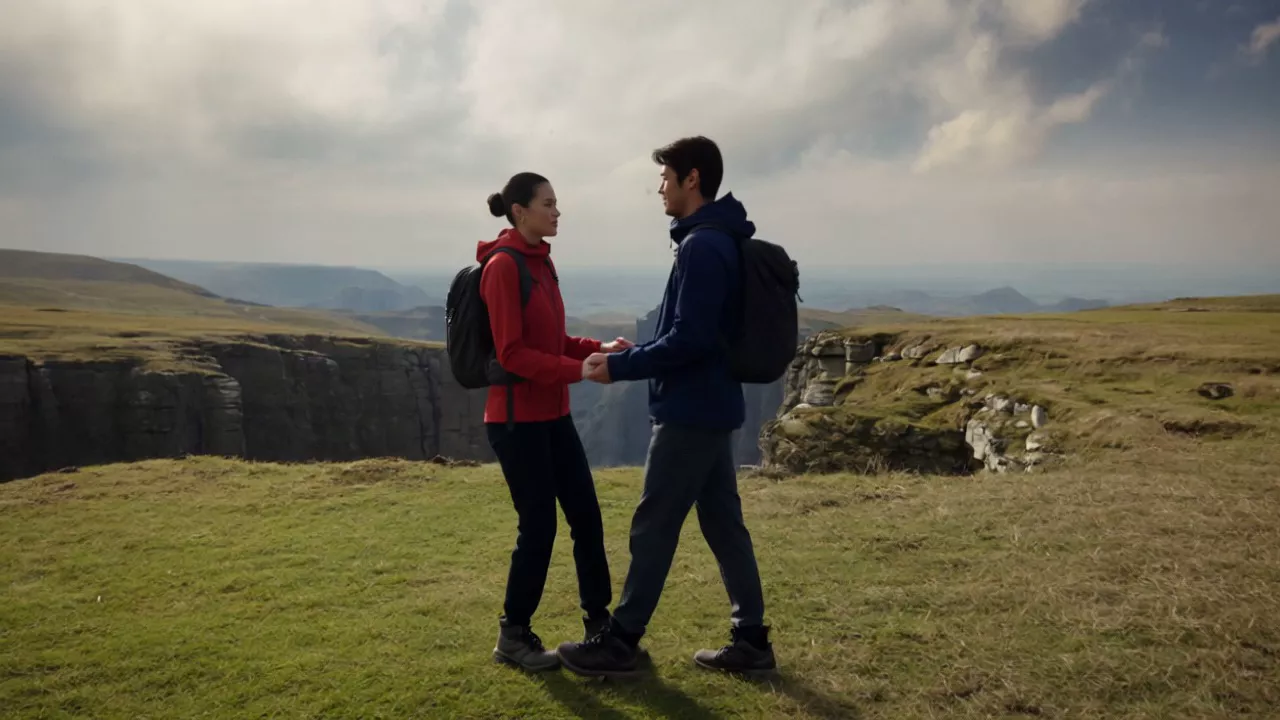
Two hikers meet above a broad canyon. Watch their gestures, changing expressions, and the landscape across the scene.
What Is Kling 4.0 Flash?
This model supports text-to-video, first-frame image-to-video, and Omni Reference. It produces 720p clips from 3 to 20 seconds. Explore the wider model workflows on Kling 4.0, then choose the inputs and output format that fit your project.
Choose Text for a written shot, Image for one starting frame, or Reference for images, videos, or both. Reference images guide a scene; they are not an ordered keyframe sequence.
Example · Kling 4.0 Flash
A moment at the canyon
Reference images · 3

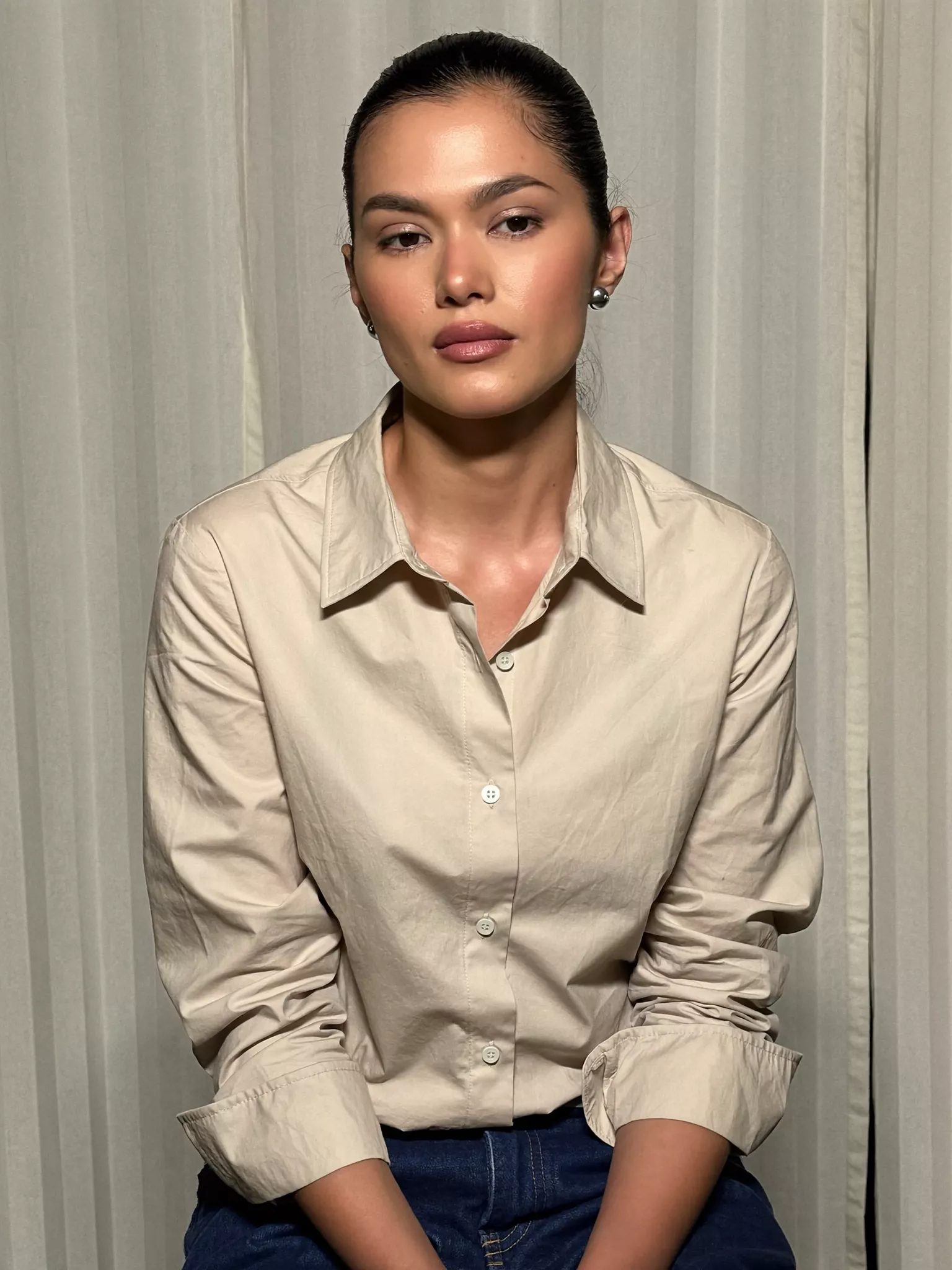
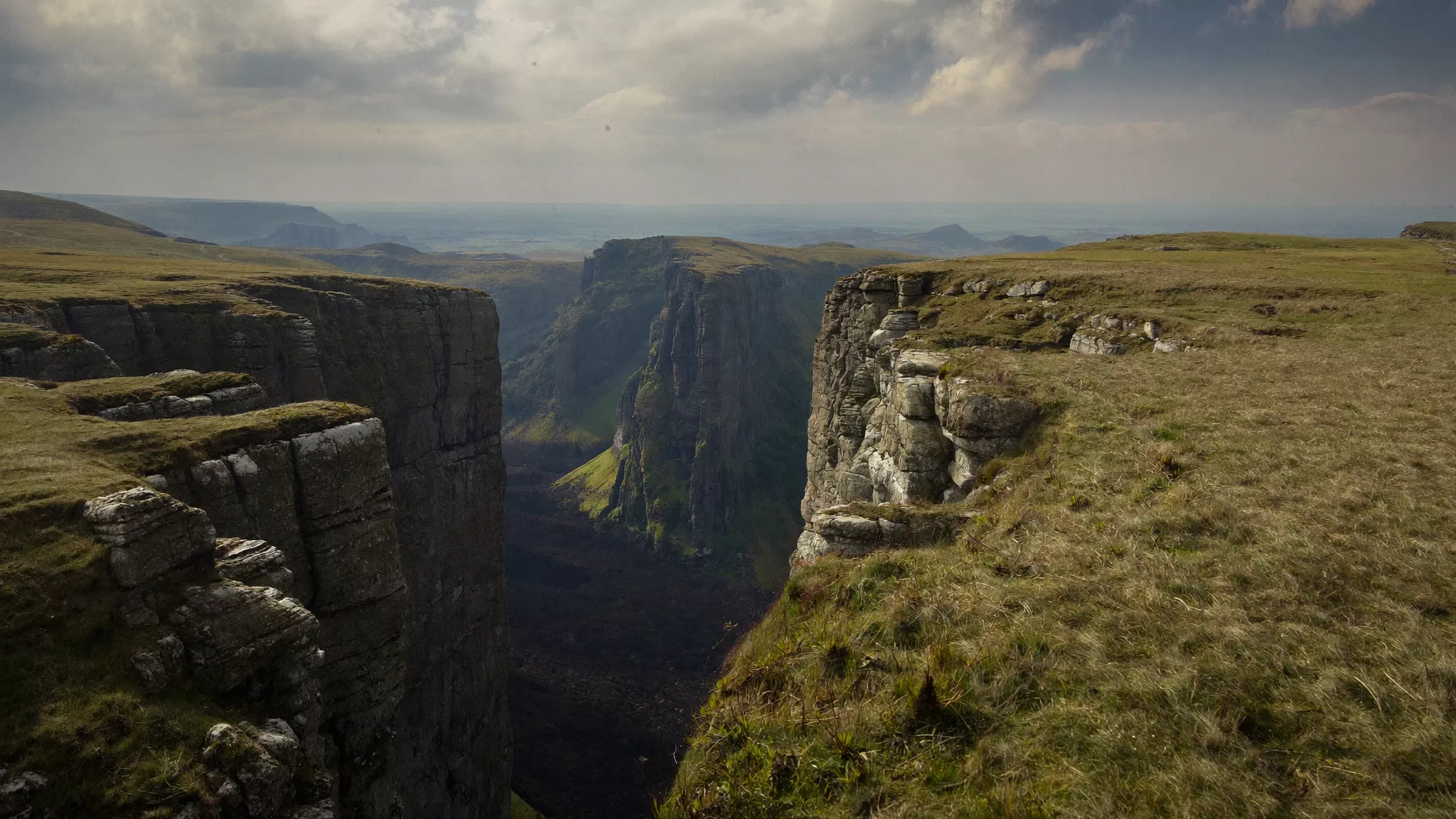
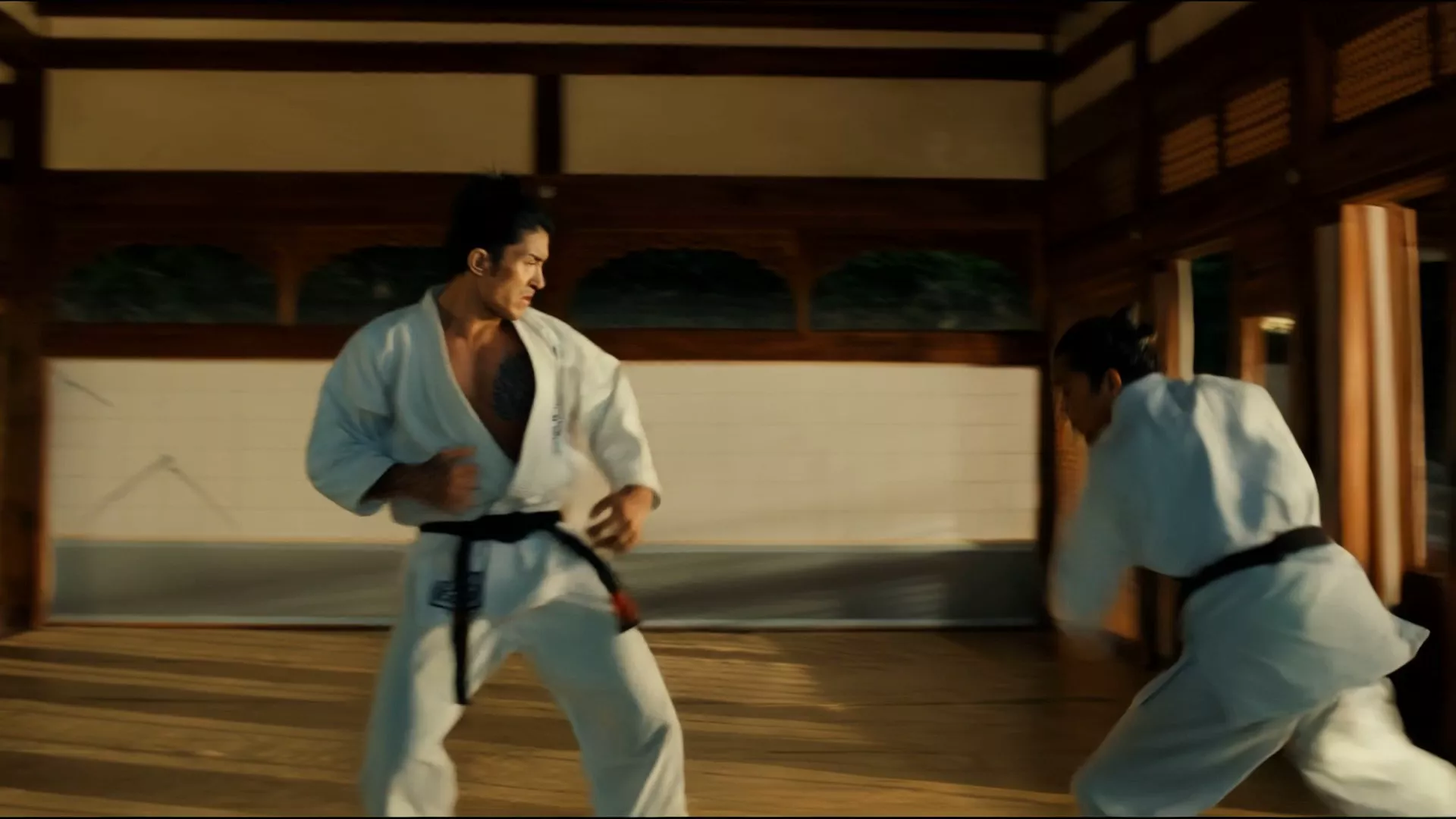
Example · Kling 4.0 Flash
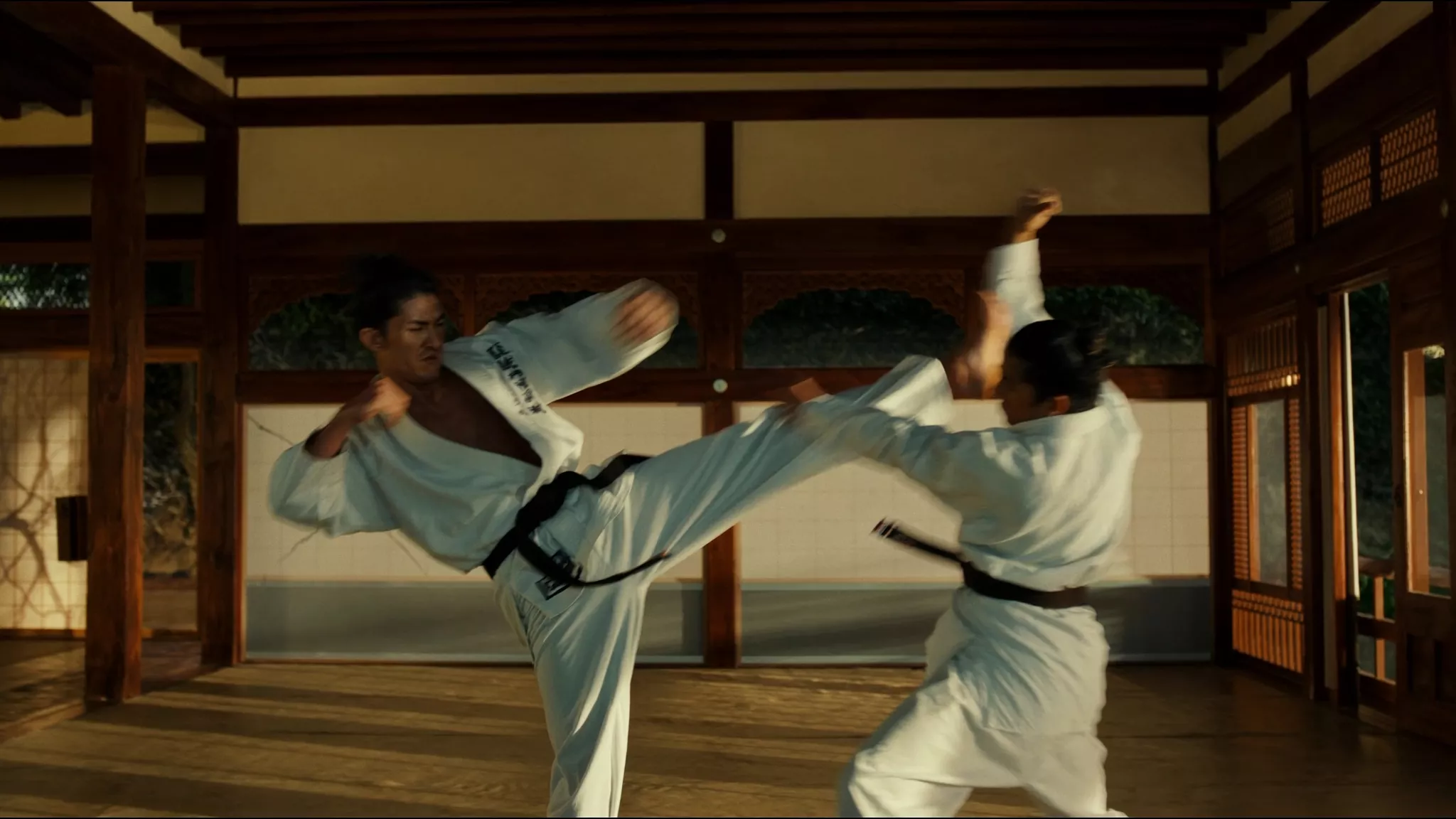
A martial arts exchange
Reference images · 1
Why Use Kling 4.0 Flash?
Explore one clear action
A short product reveal, a moving landscape, or a storyboard beat gives a prompt a concrete job. Describe the subject, its movement, and one camera move. Keeping a scene focused makes it easier to judge whether the result communicates your idea.
Build from an existing composition
A starting image supplies the opening composition. Use the prompt to explain what should move and what should remain consistent. This is useful when a written description alone would leave too much of the setting unspecified.
How to Use Kling 4.0 Flash
- Choose Text, Image, or Reference. Text and Reference need a prompt; Image can use a starting frame without one.
- Add your image or reference files, then choose 720p and a duration from 3 to 20 whole seconds.
- Check the mode’s aspect ratio and sign in. Review an available credit estimate before submitting.
- Select Generate once, follow the task’s status, and open or download the completed video.
Kling 4.0 Flash Prompts
These original prompt suggestions are starting points for your own scene, not examples of completed videos. Change one element at a time so you can judge its effect.
A quiet product reveal
Suggested setup: Text, 720p, 5 seconds, 16:9.
An unbranded amber glass bottle stands on a pale stone shelf beside a window. Warm afternoon light moves gently across the glass. The camera makes a slow, shallow push forward in one continuous shot. Keep the bottle upright and the background simple. No text or logos.
Check the bottle’s outline, reflection movement, and whether the camera finishes smoothly.
Gentle movement from a still
Suggested setup: First-frame Image, 720p, 5 seconds; use a landscape photo you own or have permission to upload.
Preserve the shoreline, cliffs, and morning light in the starting image. Small waves move toward the beach while the camera drifts slowly to the right. Keep the horizon level and the geography consistent. One continuous shot with subtle movement; do not add people, buildings, or text.
Use this prompt with a landscape photo you upload. After generating, check the horizon and shoreline for unwanted changes.
Kling 4.0 Flash Settings
All modes use 720p and 3–20 whole seconds.
| Setting | Accepted inputs or controls |
|---|---|
| Text ratio | 21:9, 16:9, 9:16, or 1:1 |
| Image ratio | Auto; motion prompt optional |
| Reference ratio | Text ratios or Auto |
| Images | PNG/JPEG, up to 15 MB each |
| Image dimensions | Each side 300–3840px; shorter side at most 2160px; ratio 2:5–5:2 |
| Reference count | Up to 10 images, 5 videos, 15 files combined |
| Reference videos | MP4, up to 100 MB each; 3–20s each, at most 20s combined; both dimensions at least 700px |
Image accepts one starting frame, without middle or ending frames.
Audio files are not accepted. With a video reference, you can choose to retain its original sound; that option is unavailable for image-only inputs.
Kling 4.0 Flash Pricing
Without video input, Text, Image, and image-only Reference cost 4 credits per output second.
| Output length | Credits |
|---|---|
| 5 seconds | 20 |
| 10 seconds | 40 |
Video references use a separate rate and include billed reference time. Submit only when a credit estimate is available. See the credit packs for pack information.
Kling 4.0 Flash vs Kling 4.0
| Decision | Flash tool | Standard tool on this site |
|---|---|---|
| Output resolution | 720p | 720p or 1080p |
| Clip length | 3–20 seconds | 3–30 seconds |
| Frame-control workflow | One starting frame | Ordered keyframes |
| Reference inputs | Images and videos | Images, videos, and audio |
The standard Kling 4.0 tool offers 1080p and longer clips. These specifications do not establish identical image quality or a guaranteed difference in generation time.
A five-second 720p task without video input costs 20 credits with Flash or 30 with the standard version. Video-reference costs require their own estimate.
Your questions
Kling 4.0 Flash FAQ
What is Kling 4.0 Flash?
It is a video-generation model for 720p clips. Flash supports text-to-video, first-frame image-to-video, and Omni Reference.
Does it produce 720p or 1080p video?
Flash generates 720p video. Choose the standard version when your project requires its 1080p option.
How long can a clip be?
The model supports whole-second durations from 3 to 20 seconds. Keep each clip focused on an action that can finish within the selected length.
Can I start with text alone?
Yes. The model has a text-to-video mode. Describe visible subjects and motion directly, rather than writing background information the viewer cannot see.
What does a starting image control?
It supplies the opening frame. Describe the movement that follows while naming the details you want to preserve. A first-frame input does not define the final frame.
Can I upload a video reference here?
Use Reference mode for MP4 files: up to five videos, each 3–20 seconds, with no more than 20 seconds combined. Video-reference submission requires an available credit estimate.
How many credits does a clip cost?
Without video input, the rate is 4 credits per output second: 20 for five seconds or 40 for ten. Video-reference tasks use a separate rate; review an available estimate before submitting.
How does it differ from the standard version?
Flash generates 720p video with a 20-second maximum. The standard tool here also offers 1080p, up to 30 seconds, and ordered keyframes.
Do I need an account, and is generation free?
Sign in before generating and check that your balance covers the displayed estimate. Generation uses credits. Signing in does not change the selected task’s credit cost.
How should I adapt the prompts?
Replace the subject and setting, then keep one clear action and camera move. For an image prompt, describe motion after the first frame rather than asking for a different opening composition.
Make Your First Kling 4.0 Flash Video
Start with one scene, choose the motion, and review the credit estimate. Turn your prompt, starting image, or references into a 720p clip.